Git Worktree:多个 Claude 改同一个仓库不打架
📍 Claude Code 进阶 6/6(板块完结) · 上一篇:← Subagents(子智能体)
那个让洁柔同时干 2 件互不冲突的瞬间
Section titled “那个让洁柔同时干 2 件互不冲突的瞬间”5 月某天下午,洁柔同时遇到两件事:
- 正在做 niuxue.org 一个新功能(评论系统)—— Claude 已经改了 12 个文件,还没 commit
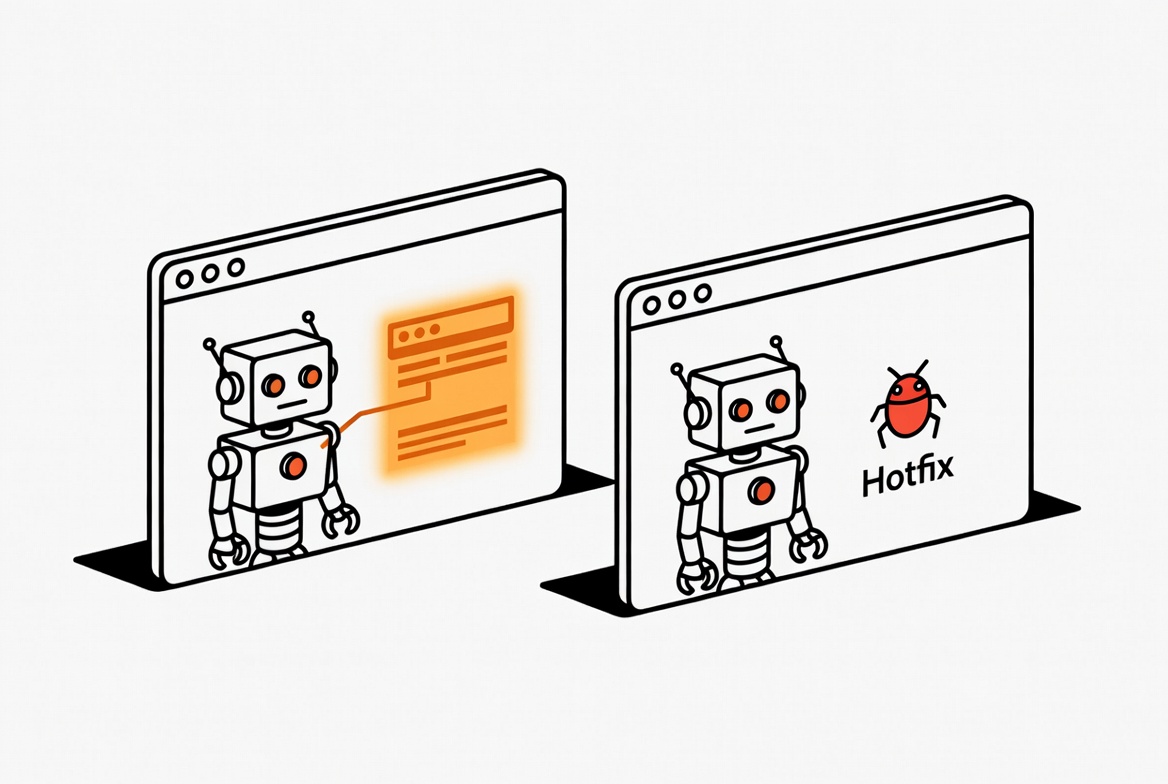
- 紧急 bug:moldpage.dev 上有个 OG 分享图坏了,客户在群里催
她想让 Claude 立刻去修 bug,但问题是:她那 12 个文件改动还没完,直接切分支会丢掉这些工作(git stash 又混乱)。
她跟我说:“能不能开第二个 Claude**,跟主分支一起跑——但不影响我这边的工作?”**
我说:“能,叫 git worktree——给紧急 bug 那个 Claude 一个独立的文件夹 + 独立分支**,跟你这边的 12 个未提交改动完全隔离。一行命令搞定。”**
她试了一下:
claude --worktree hotfix-og3 秒后,新终端窗口里第二个 Claude 在 .claude/worktrees/hotfix-og/ 里跑,跟她主目录的 12 个改动毫不相干。20 分钟后 bug 修完了 push 上线——她主分支那 12 个文件还原封不动等着她回来继续做评论系统。
这一篇讲的就是 Git Worktree——让多个 Claude 改同一个仓库不打架。
Git Worktree 是什么(给小白用人话讲)
Section titled “Git Worktree 是什么(给小白用人话讲)”正常你 clone 一个 git 仓库:一个文件夹 = 一个工作区 = 一个分支。你切分支(git checkout)= 整个文件夹的文件都变。
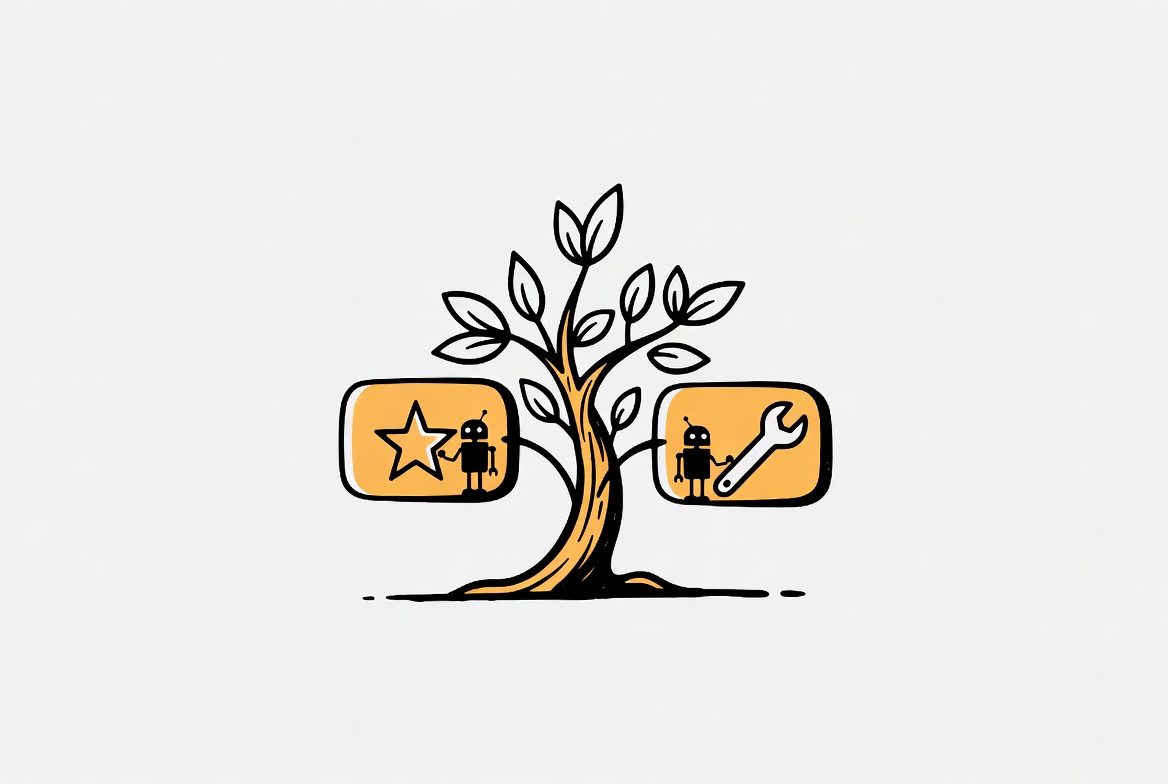
Worktree 让你同一个仓库长出多个独立的工作文件夹——每个文件夹自己一个分支、自己的文件状态,但共享同一份 git 历史 + 同一个远程。
类比:
- 普通仓库 = 一间房子,你住进去
- Worktree = 同一栋楼,多个房间——你住一间,你 Claude 同事住另一间,互不打扰
关键好处:
- ✅ 未提交的改动不会丢——你主目录 12 个改动安全留着
- ✅ 不用 stash / branch 切来切去
- ✅ 第二个 Claude 完全干净环境,跟你主线不打架
- ✅ 共享 git 历史——两边都能 pull / push / 看 log
一行命令开新工作树
Section titled “一行命令开新工作树”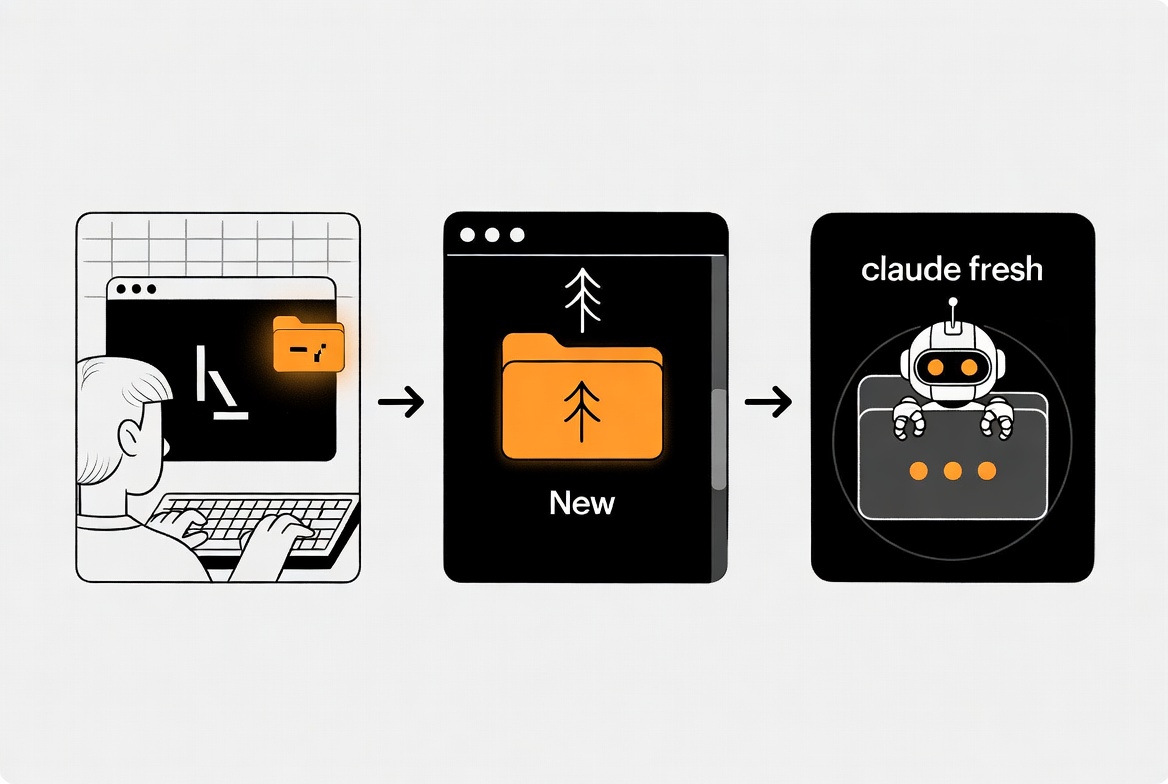
Claude Code 内置 worktree 支持,--worktree 或 -w 标志:
claude --worktree hotfix-og做什么:
- 自动在
.claude/worktrees/hotfix-og/创建新工作树 - 在新分支
worktree-hotfix-og上(从origin/HEAD分叉) - 立刻在那个目录启动 Claude 会话
起名:
- 给个名字:
claude --worktree feature-auth→ 文件夹 + 分支都用feature-auth - 不给名字:
claude --worktree→ 自动生成bright-running-fox这种随机名
💡 小窍门:把
.claude/worktrees/加进项目.gitignore——避免 worktree 内容被你主分支当成”未跟踪文件”显示。
在对话里临时开
Section titled “在对话里临时开”不想退出当前 Claude session?直接跟它说:
“请在 worktree 里开一个新会话修 OG bug”
Claude 会调用 EnterWorktree 工具自动开新工作树。
基础分支:从哪里分叉(3 种选择)
Section titled “基础分支:从哪里分叉(3 种选择)”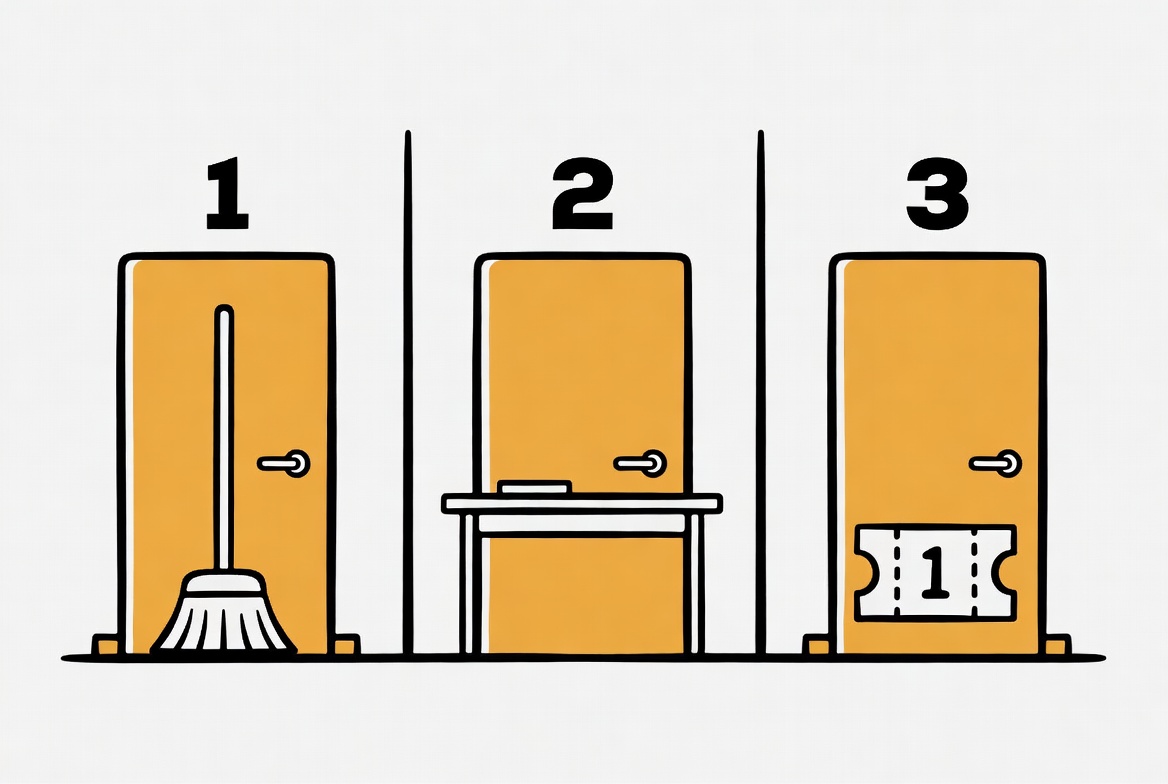
默认新 worktree 从 origin/HEAD 分叉(主分支最新远程版本,干净的起点)。但有几种情况你想换:
1️⃣ 从你本地当前 HEAD(含未推的改动)分叉
Section titled “1️⃣ 从你本地当前 HEAD(含未推的改动)分叉”~/.claude/settings.json 加:
{ "worktree": { "baseRef": "head" }}用场景:你本地分支跟主分支差很远,需要在你”私货”基础上继续干。
2️⃣ 从一个具体 PR分叉
Section titled “2️⃣ 从一个具体 PR分叉”claude --worktree "#1234"做什么:从 GitHub PR #1234 的代码状态开新 worktree。给你 review / 测试别人 PR 的隔离环境。
或者直接传完整 GitHub PR URL:
claude --worktree "https://github.com/org/repo/pull/1234"3️⃣ 默认行为(origin/HEAD)
Section titled “3️⃣ 默认行为(origin/HEAD)”最常用——从主分支的远程最新版本起步,干净。
把 .env 之类的 gitignored 文件复制进来
Section titled “把 .env 之类的 gitignored 文件复制进来”Worktree 是干净的新 checkout——你主目录的 .env / .env.local / secrets 文件默认不在新 worktree 里(因为它们没在 git 里)。
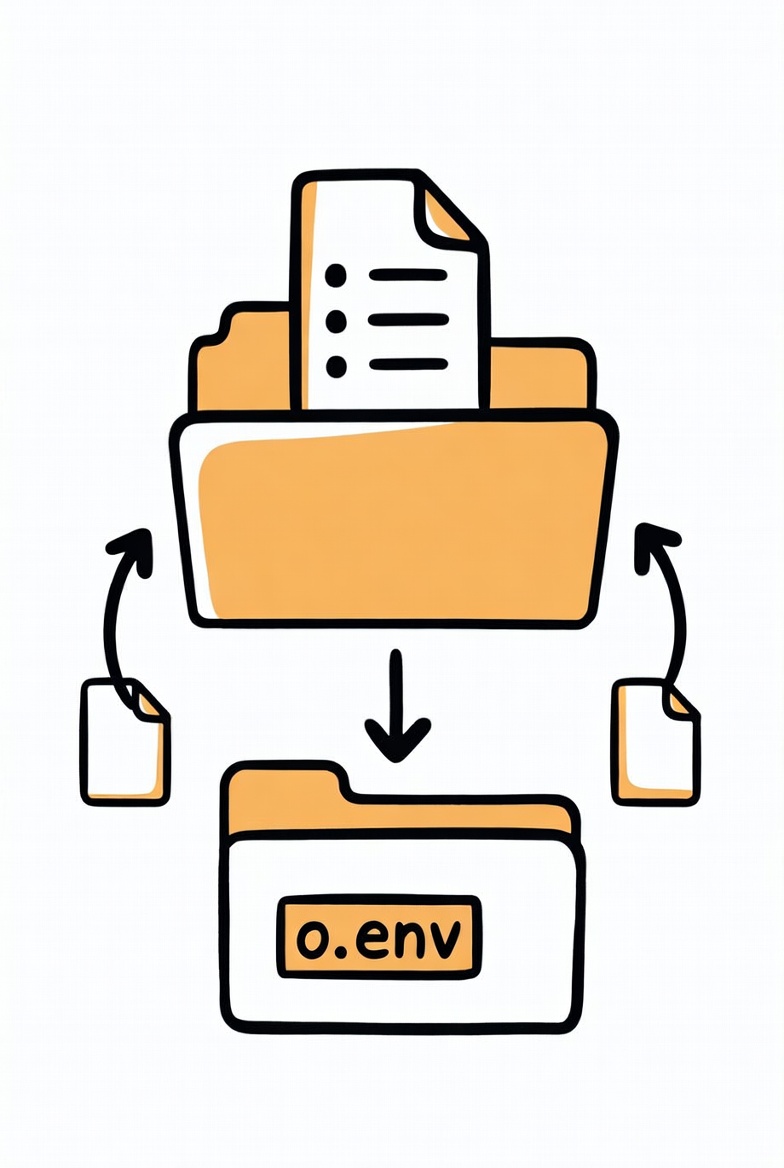
解决方法:在项目根目录建一个 .worktreeinclude 文件,语法跟 .gitignore 一样,列出要自动复制的 gitignored 文件:
.env.env.localconfig/secrets.json.cache/build-state每次 claude --worktree xxx 创建新 worktree 时,这些文件自动从主目录复制过去。
前提:文件必须既匹配 .worktreeinclude 又被 git ignore——已经追踪的文件不会重复。
退出时自动清理
Section titled “退出时自动清理”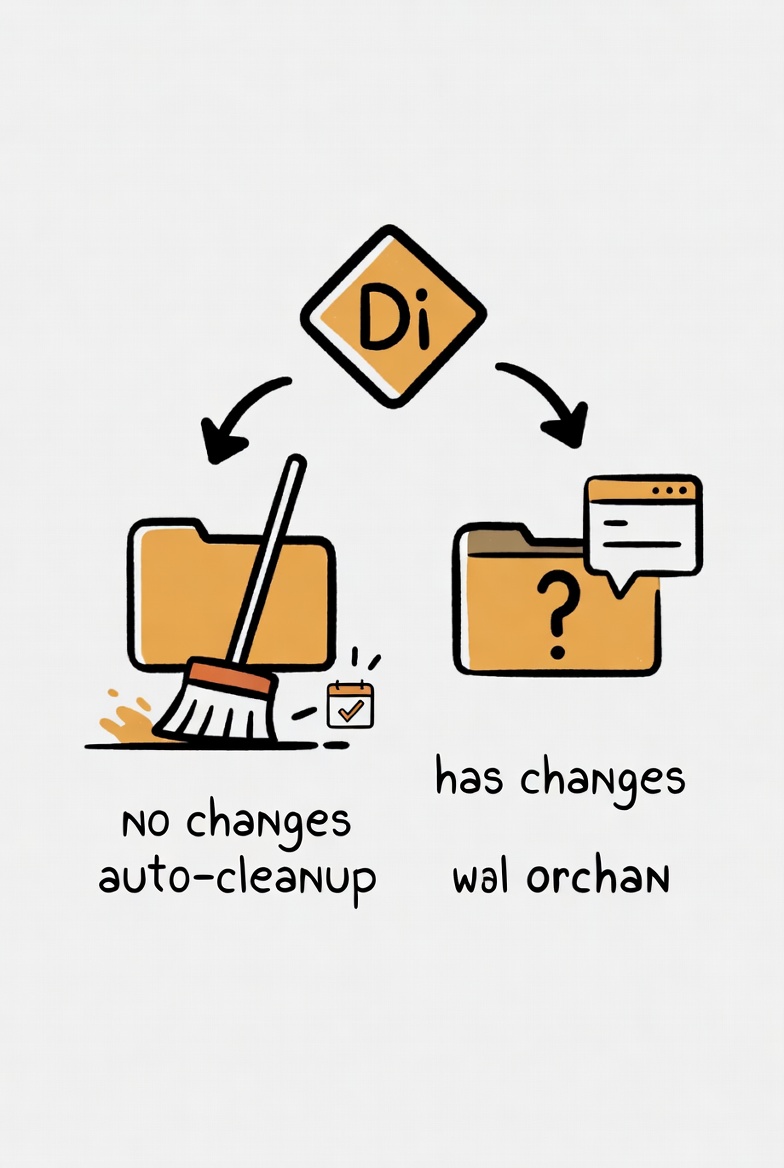
退出 worktree session 时,Claude Code 自动处理:
| 情况 | 行为 |
|---|---|
| 没未提交改动 + 没新 commit | 自动删除 worktree + 分支(干干净净) |
| 有未提交改动 / 有新 commit | 弹窗问你:保留还是删?保留 → 文件夹跟分支留着,你可以以后回来继续 |
-p 非交互模式 | 不自动清理——需要 git worktree remove 手动删 |
孤儿 worktree 自动清理
Section titled “孤儿 worktree 自动清理”如果 Claude Code 崩了 / 中断,留下的孤儿 worktree(没改动那种)会在下次启动时自动清——按你 cleanupPeriodDays 设置的天数(默认 30 天)。
你手动 --worktree 开的不会被这个清理掉——只清 subagent 临时 worktree。
跟 Subagent 配合用
Section titled “跟 Subagent 配合用”回忆 03-5 Subagent ——subagent 是独立 context 的专门 Claude。把它跟 worktree 结合,让 subagent 在隔离的工作树里改文件——并行编辑零冲突。
临时:让一个 subagent 用 worktree
Section titled “临时:让一个 subagent 用 worktree”直接对 Claude 说:
“用 worktree 给这个 subagent,让它去重构整个 src/auth/ 目录,完全隔离。”
它会自动给那个 subagent 临时 worktree——subagent 改完后,worktree 自动清理(如果没改动)或者让你 review。
永久:在自定义 subagent 定义里设
Section titled “永久:在自定义 subagent 定义里设”---name: large-refactordescription: 大规模重构,自带 worktree 隔离isolation: worktree---
按下面要求做大规模重构...效果:每次派这个 subagent 自动一个独立 worktree —— 主目录文件安全不被动。
4 个真实场景
Section titled “4 个真实场景”🎯 场景 1:做 feature 时来紧急 bug
Section titled “🎯 场景 1:做 feature 时来紧急 bug”(本篇开头那个故事)
# 主终端:正在做 feature,12 个文件已改# 紧急 bug 来 → 开新终端claude --worktree hotfix-og# 在新 worktree 里改 bug → push → 关闭# 主终端 12 个 feature 文件原样不动🎯 场景 2:测试别人的 PR
Section titled “🎯 场景 2:测试别人的 PR”claude --worktree "#1234"# Claude 在 PR #1234 代码状态下启动 → 你 review + 跑测试 + 提 commit 在 PR 分支上🎯 场景 3:并行做 3 个 feature
Section titled “🎯 场景 3:并行做 3 个 feature”claude --worktree feature-auth # 终端 1claude --worktree feature-search # 终端 2claude --worktree feature-bills # 终端 33 个 Claude 各干各的,3 个分支独立 push。不需要切来切去。
🎯 场景 4:让 subagent 跑大改造不脏主目录
Section titled “🎯 场景 4:让 subagent 跑大改造不脏主目录”你: "用 worktree 派一个 subagent 把整个项目的类型注解补全,然后跑测试"→ Subagent 临时 worktree 里改 200 个文件→ 测试通过 → 输出改动清单给你→ 你看完决定要不要 merge 回主目录3 个新手最容易踩的坑
Section titled “3 个新手最容易踩的坑”❌ 坑 1:Worktree 里的 npm install / 虚拟环境要重装
Section titled “❌ 坑 1:Worktree 里的 npm install / 虚拟环境要重装”每个 worktree 是一个独立 checkout——node_modules / .venv / dist 这些没在 git 里的目录都是空的。
修正:每次新 worktree 重新跑一遍 npm install / pip install -r / 其他 setup 命令。
如果你的依赖装很慢,把 node_modules 加进 .worktreeinclude(虽然不优雅,但能省时间)。
❌ 坑 2:每个 worktree 都要重新装环境变量
Section titled “❌ 坑 2:每个 worktree 都要重新装环境变量”.env 不在新 worktree——装 .worktreeinclude 一次配齐,自动每次复制。
❌ 坑 3:忘了清理用过的 worktree
Section titled “❌ 坑 3:忘了清理用过的 worktree”用过的 worktree 即使删了文件夹,git 里的注册条目还在——git worktree list 看会有一堆 “prunable” 的孤儿。
修正:定期跑 git worktree prune 清理 git 记录。或者用 claude --worktree 自动清理(它会清自己创建的)。
Worktree vs Subagent vs Branch:一表对齐
Section titled “Worktree vs Subagent vs Branch:一表对齐”| Git Branch(传统) | Subagent | Worktree | |
|---|---|---|---|
| 文件隔离 | ❌ 同一文件夹切换 | ✅ subagent 独立 context | ✅ 独立文件夹 |
| 未提交改动安全 | ❌ 切分支会冲突 | — | ✅ 完全不影响主目录 |
| 多个并行跑 | 需要 stash 切来切去 | ✅ 多个 subagent | ✅ 多个 worktree(推荐) |
| 共享 git 历史 | ✅ | — | ✅ |
| 共享 node_modules | ✅ | — | ❌ 每个 worktree 独立 |
| 典型用法 | 单线开发切分支 | 隔离任务 | 并行多线程开发 |
记住一句话:
- Branch = “我从一个文件夹切到另一个”
- Subagent = “雇个实习生做隔离的活,只返结果”
- Worktree = “给每个 Claude 一个自己的工作间”
03 区 Claude Code 进阶完结撒花 🎉
Section titled “03 区 Claude Code 进阶完结撒花 🎉”恭喜你看完 03 区全部 6 篇——Claude Code 真正能落地工作流的全套:
- ✅ VS Code / Cursor 里用 Claude Code —— 编辑器集成
- ✅ Hooks(钩子) —— 生命周期触发器
- ✅ MCP(外部服务连接器) —— 连 Slack / GitHub / 数据库
- ✅ 自定义 Slash Command —— 团队规范变成 /xxx
- ✅ Subagents(子智能体) —— 多 Claude 并行干活
- ✅ Git Worktree —— 你正在看的这一篇
这 6 篇的核心信息:Claude Code 不只是聊天 + 写代码——是一整套可以深度集成进你工作流的工具系统。学会了,你跟 AI 协作的天花板就完全不一样了。
niuxue.org 接下来还会陆续上线:
- 05 Trae 完整教程(4 篇) —— 字节免费 AI IDE
- 06 扣子 Coze(4 篇) —— 字节 Agent 编排平台
- 07 文心(4 篇) —— 百度 AI 全家桶
- 08 通义(4 篇) —— 阿里 AI 全家桶
- 09 星火(4 篇) —— 讯飞 AI 全家桶
整站从 Claude Code 中心扩展到中文 AI 工具全家桶,做完之后 50 篇成为最完整的中文 AI 工具指南。
想第一时间收到,可以收藏 niuxue.org 主页。
你用 worktree 同时跑过几个 Claude? 发邮箱 [email protected],精选会进社区并行工作流案例集。
评论
不记名、不需要注册——不要邮箱,不要手机号,不要任何身份信息,填个昵称就能留言。放心说。